
Flip & Learn
iPad
A playful iPad learning space for preschoolers to explore letters, numbers, colors, shapes, and games.
- Letters and familiar words
- Numbers, colors and shapes
- Listening, memory and pattern games
Included learning play works offline after installation. The planned release is one upfront purchase, with no advertising or in-app unlocks.
In development · No download link yet
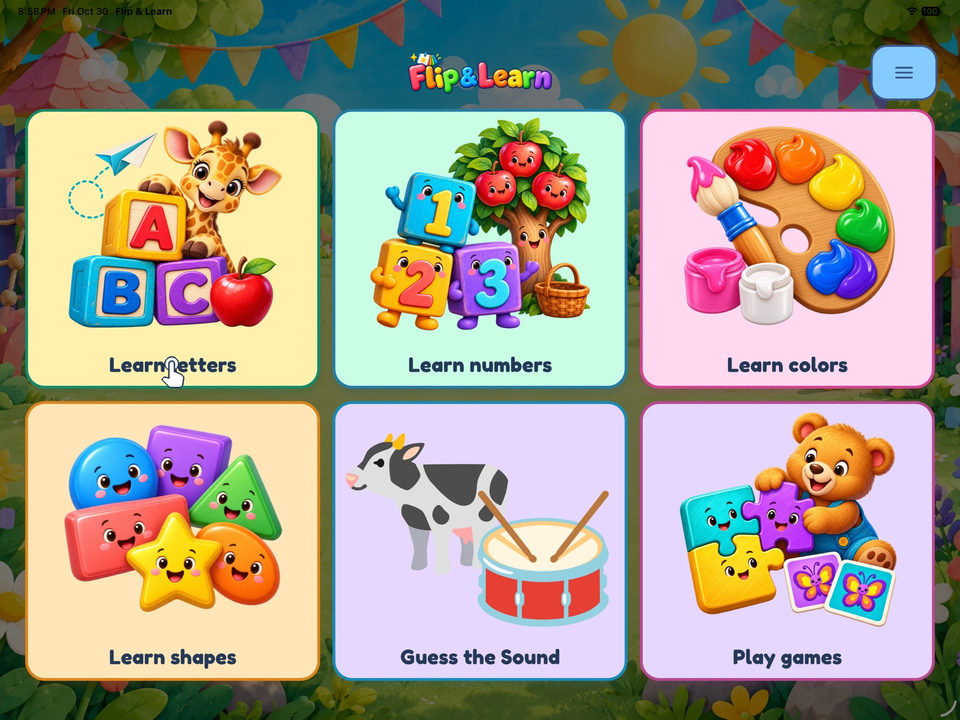
Explore what children can do
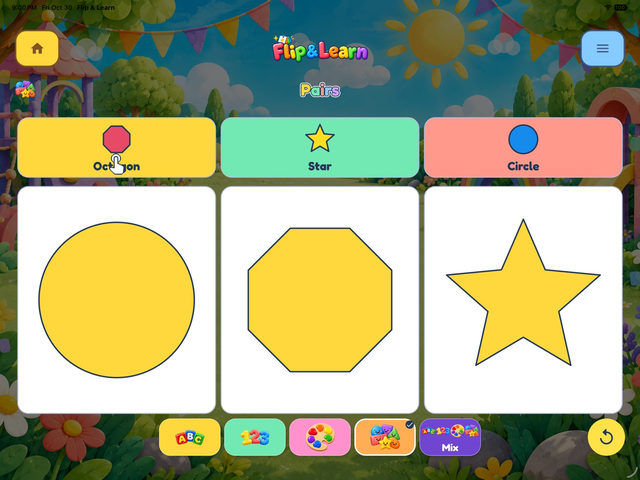
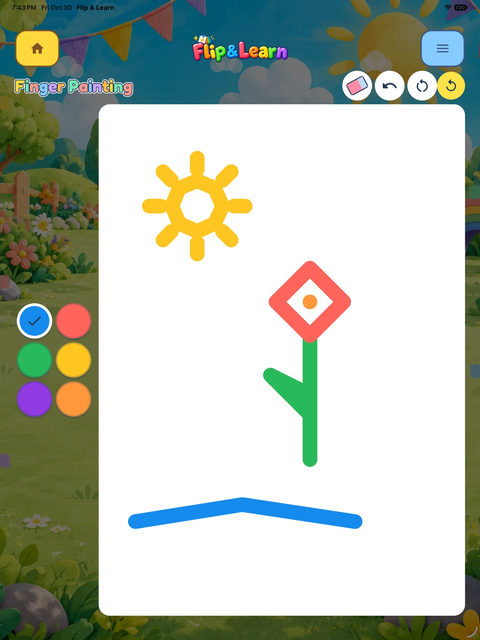
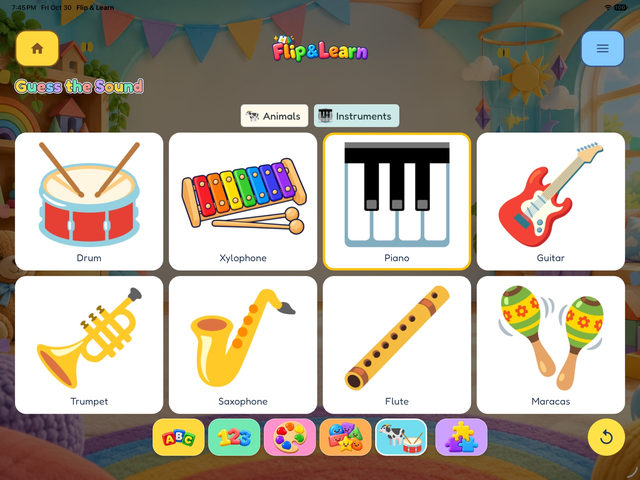
Real screens from Flip & Learn.
Learn alphabets and numbers
Explore letters, familiar words, and counting at a comfortable pace.
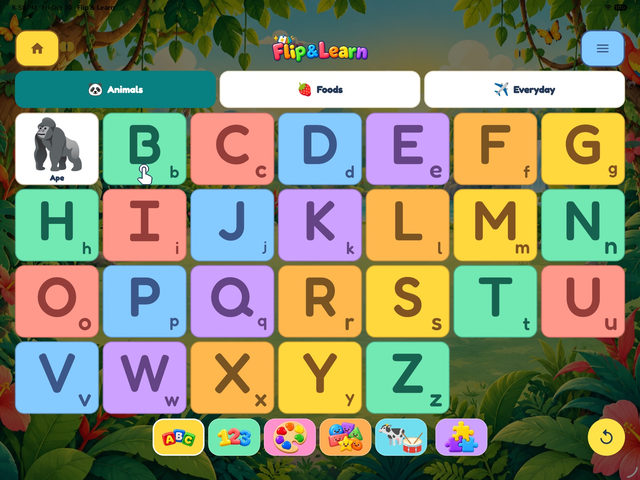
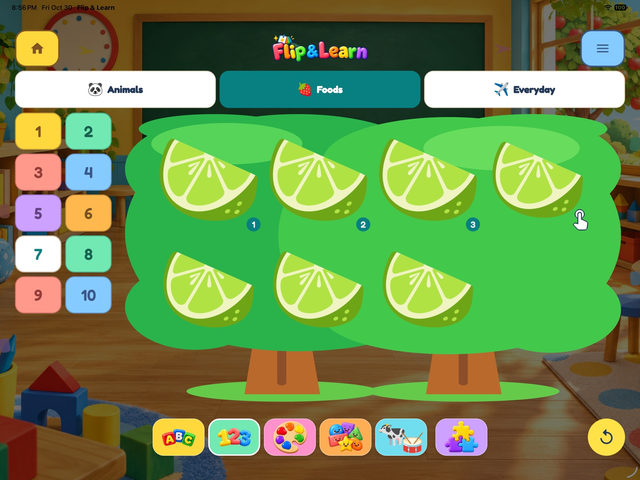
Play games to learn more
Try playful matching, listening, memory, and pattern activities.
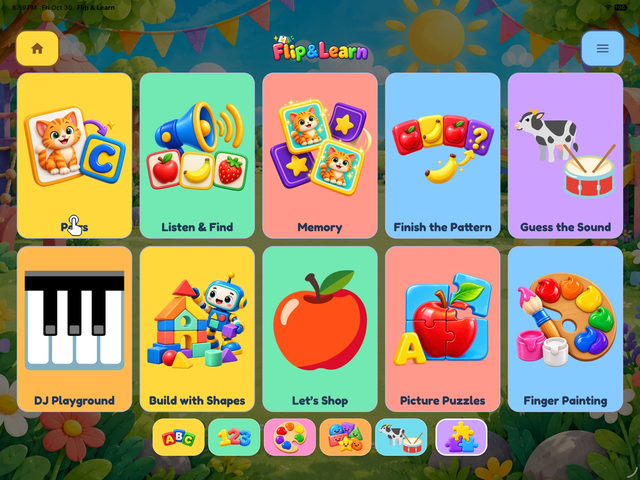
Painting and music for fun
Make pictures and explore sounds and instruments.
Flip & Learn questions
Does Flip & Learn work offline?
Included learning activities and games work offline after installation. App Store downloads and updates, and external website links, need internet.
Are there subscriptions or in-app purchases?
The planned release uses one upfront purchase with all content included. It has no subscriptions or in-app purchases.
Why can’t I hear sound?
Check device volume and audio output, including Bluetooth devices and headphones. The app’s background-sound setting controls background music; spoken narration is separate. If the issue continues, use the Contact Us form.
Can I save a drawing or shape picture?
Yes. Save adds the picture to Photos with add-only permission. If saving is interrupted or denied, the app keeps one local recovery picture until a successful save or Discard. It does not read existing photos or upload the picture to SlyTots. Apple and iCloud syncing follows your device settings.
How do I remove information stored by the app?
Delete App removes app-managed local preferences, technical records, and any pending recovery picture; Offload App retains them. Saved pictures in Photos are separate: manage or delete them in Photos. Manage device backups separately.
Who handles purchases and refund requests?
Apple handles App Store billing. For billing questions or refund requests, use Apple’s refund process. Applicable consumer rights and developer duties still apply.